Qiskit Metal
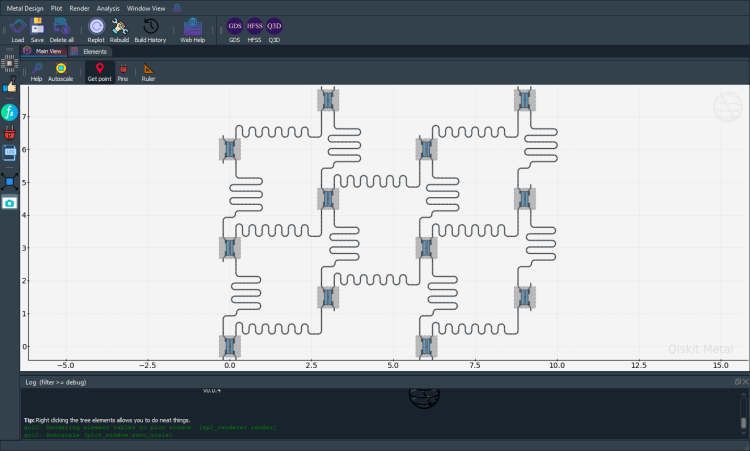
Qiskit Metal is a quantum device design simulation tool that allows for the efficient design of superconducting based quantum devices. Pioneered by Dr. Zlatko Minev at IBM, Qiskit Metal has become the premier tool for designing novel superconducting devices.
Link: https://qiskit-community.github.io/qiskit-metal/
Download Guide:
Link: https://qiskit-community.github.io/qiskit-metal/installation.html
Resources:
Qiskit Metal Tutorials (Navigation on left sidebar of website): https://qiskit-community.github.io/qiskit-metal/tut/index.html
API Documentation: https://qiskit-community.github.io/qiskit-metal/overview.html
PyEPR
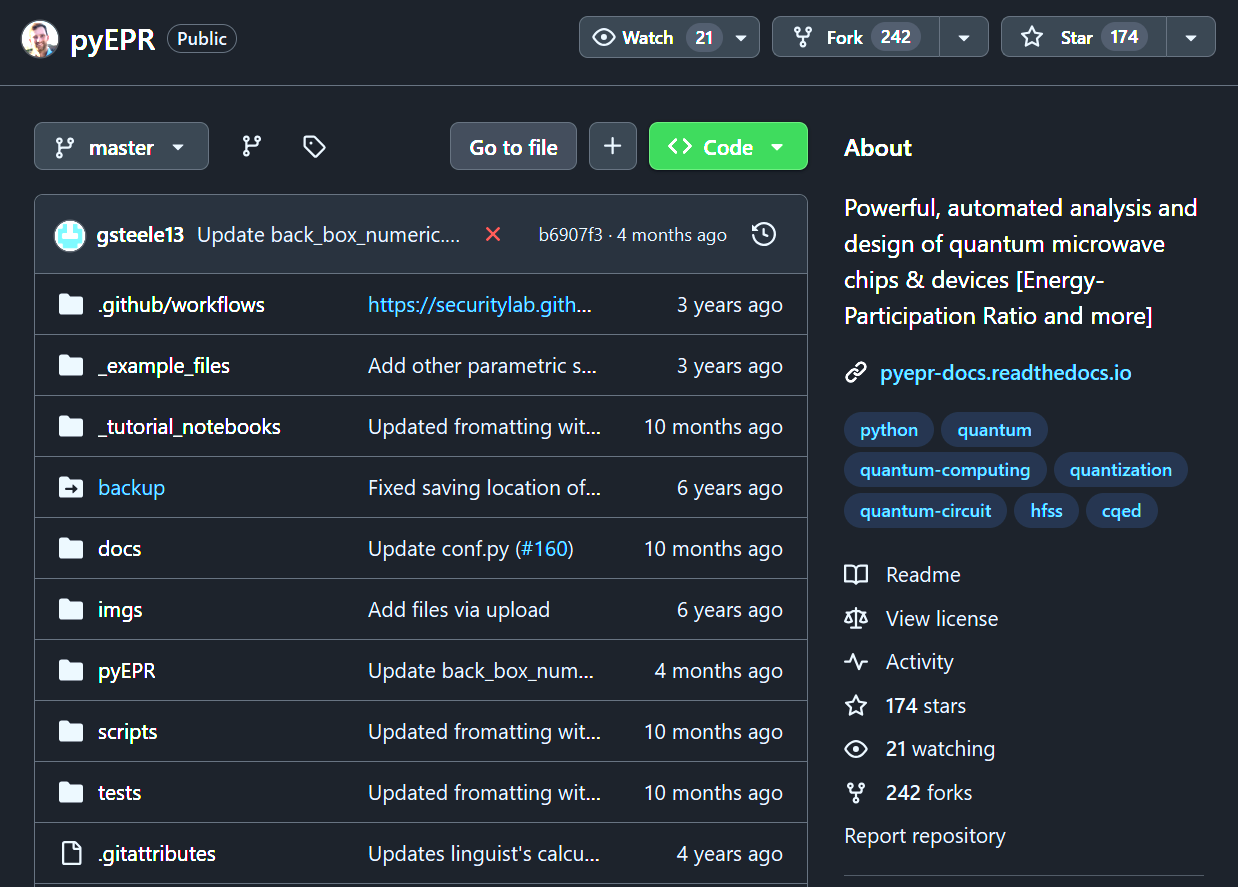
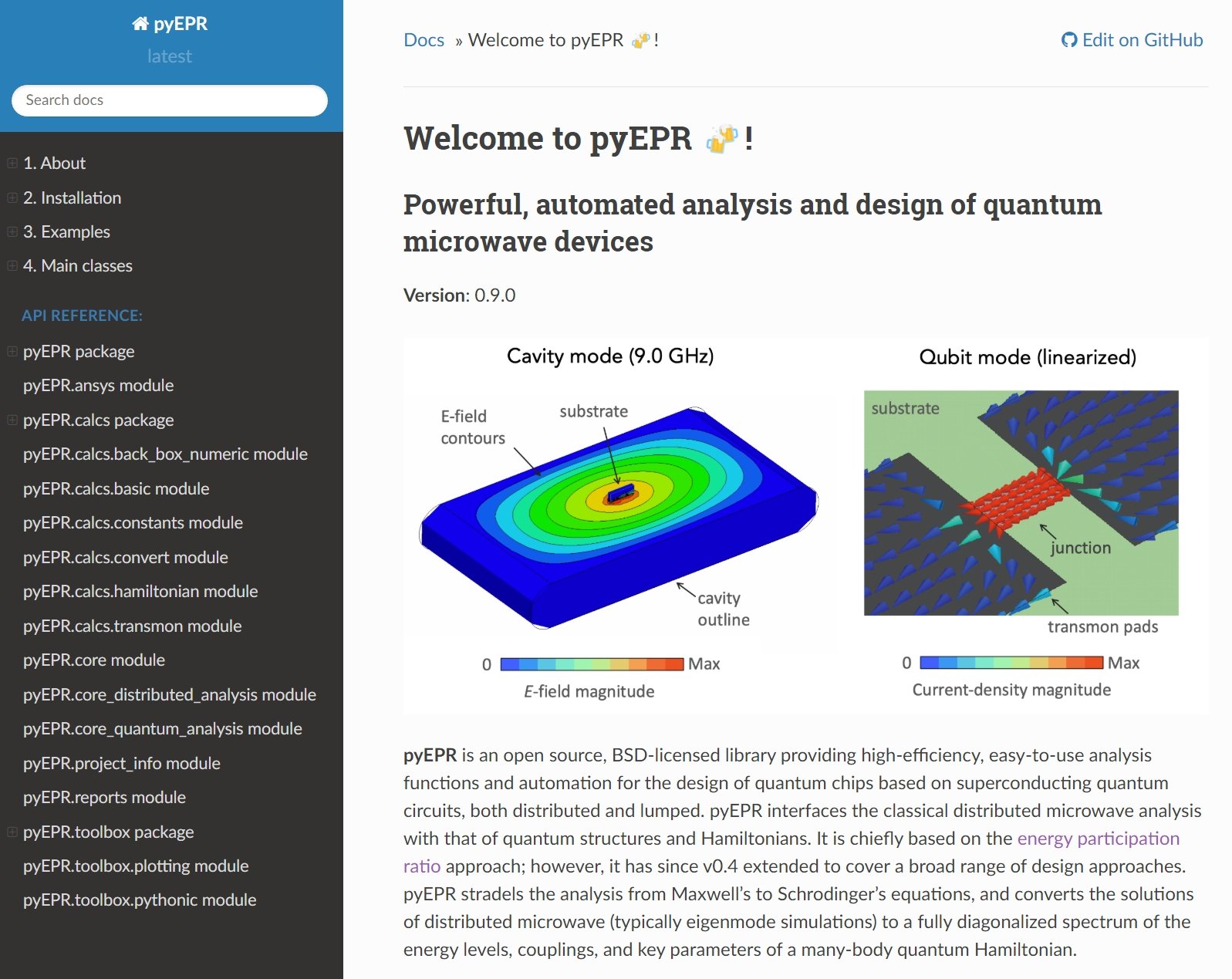
PyEPR is a Python library that facilitates the design of superconducting quantum circuits, primarily via the energy-participation ratio (EPR) approach. It can perform both analytic and numerical approaches.
Download Guide:
Create a GitHub account, if you do not have one already
Fork the PyEPR top-level repository from the above link
Click “Fork” in the top-right
Click “Create Fork”
Navigate to your local fork of the PyEPR repository, click <> Code, and copy the HTTPS link
Open Terminal. Navigate to where you would like the directory to be created. Type “git clone “ and then paste the HTTPS link. Press Enter.
The command should be “git clone https://github.com/YOUR-USERNAME/pyEPR.git”
Resources:
Jupyter notebook tutorials are available at https://github.com/zlatko-minev/pyEPR/tree/master/_tutorial_notebooks
The documentation can be found at https://pyepr-docs.readthedocs.io/en/latest/index.html
Ansys HFSS
Ansys HFSS is an Electromagnetic Simulation Software designed for RF/Microwave design applications to find eigenmodes, S parameters, and fields of microwave circuits with finite element based solvers and the method of moments.
Download Guide:
OS Requirements: Windows 10 OS
Hardware Requirements (from website):
CPU: Pentium® 4 2.0 GHZ or Athlon® 2000+ or faster, 64-bit (x64) processor
8 GB RAM
17 GB hard drive space
Graphics card and driver: Professional workstation class 3-D
OpenGL-capable
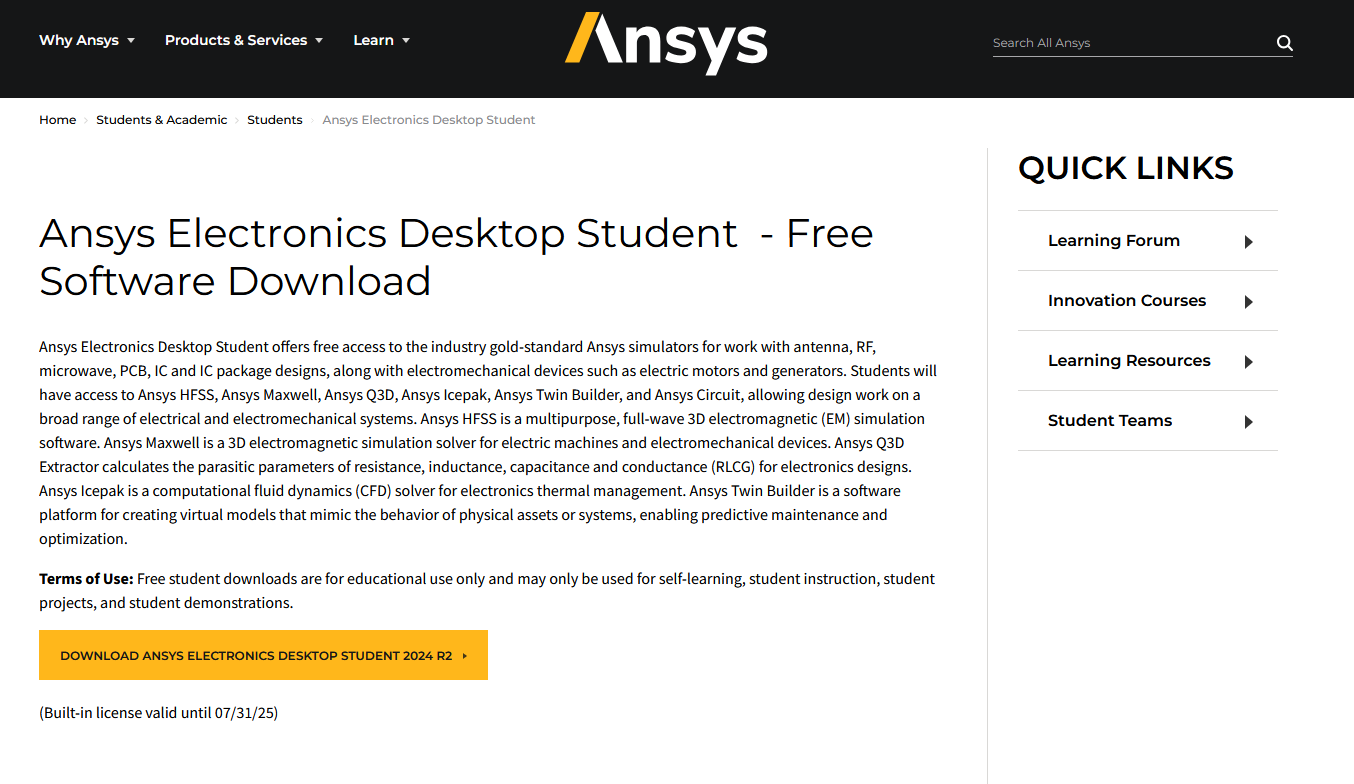
Installation Link (Student Version): https://www.ansys.com/academic/students/ansys-electronics-desktop-student
Resources:
Ansys Innovation Space: https://innovationspace.ansys.com/product/intro-to-ansys-hfss/
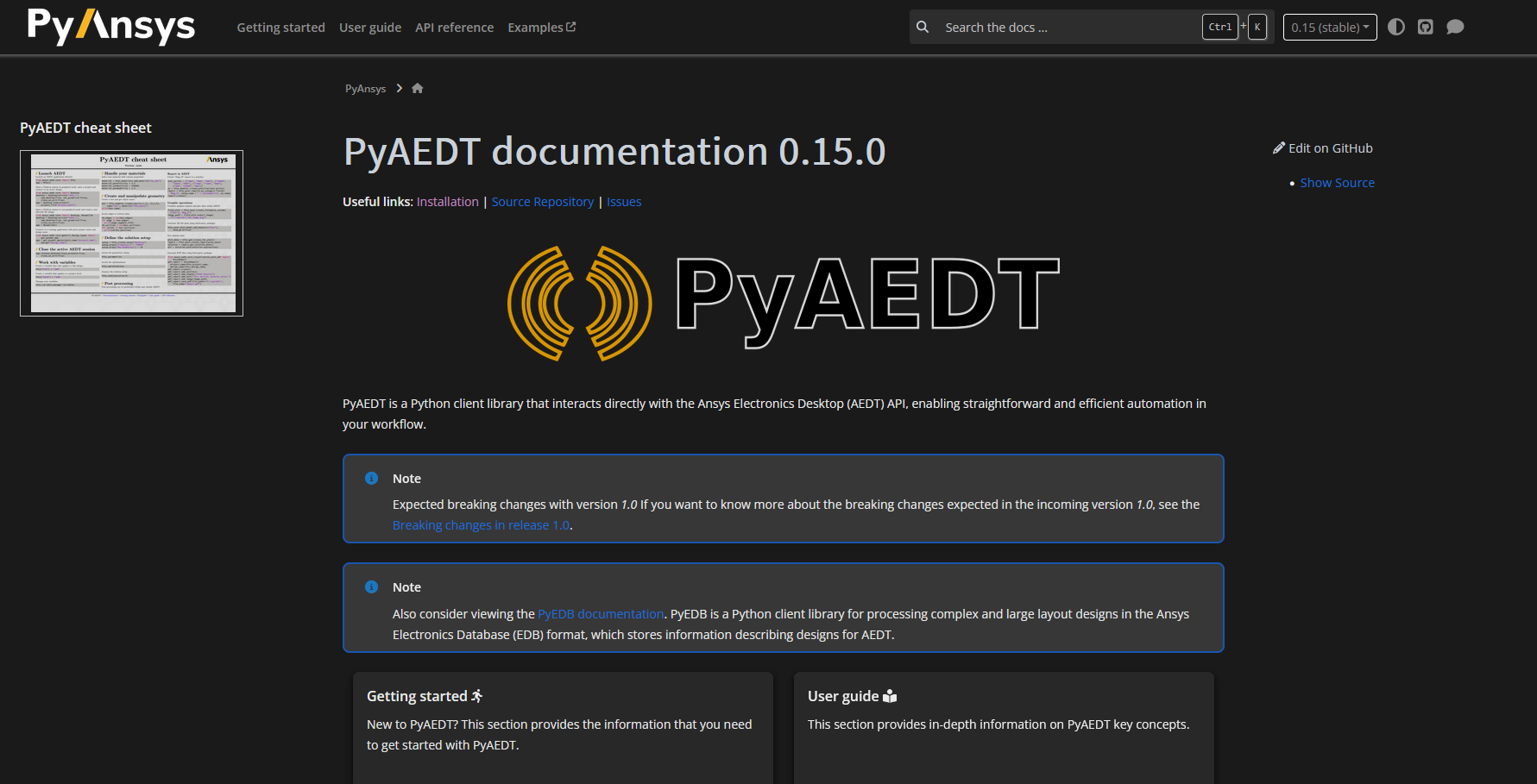
PyAEDT Scripting (Automate HFSS for efficient EDA): https://aedt.docs.pyansys.com/
HFSS/PyAEDT User Made Youtube Tutorials: https://www.youtube.com/@howtosim7253
NVIDIA Cuda-Q
Resources
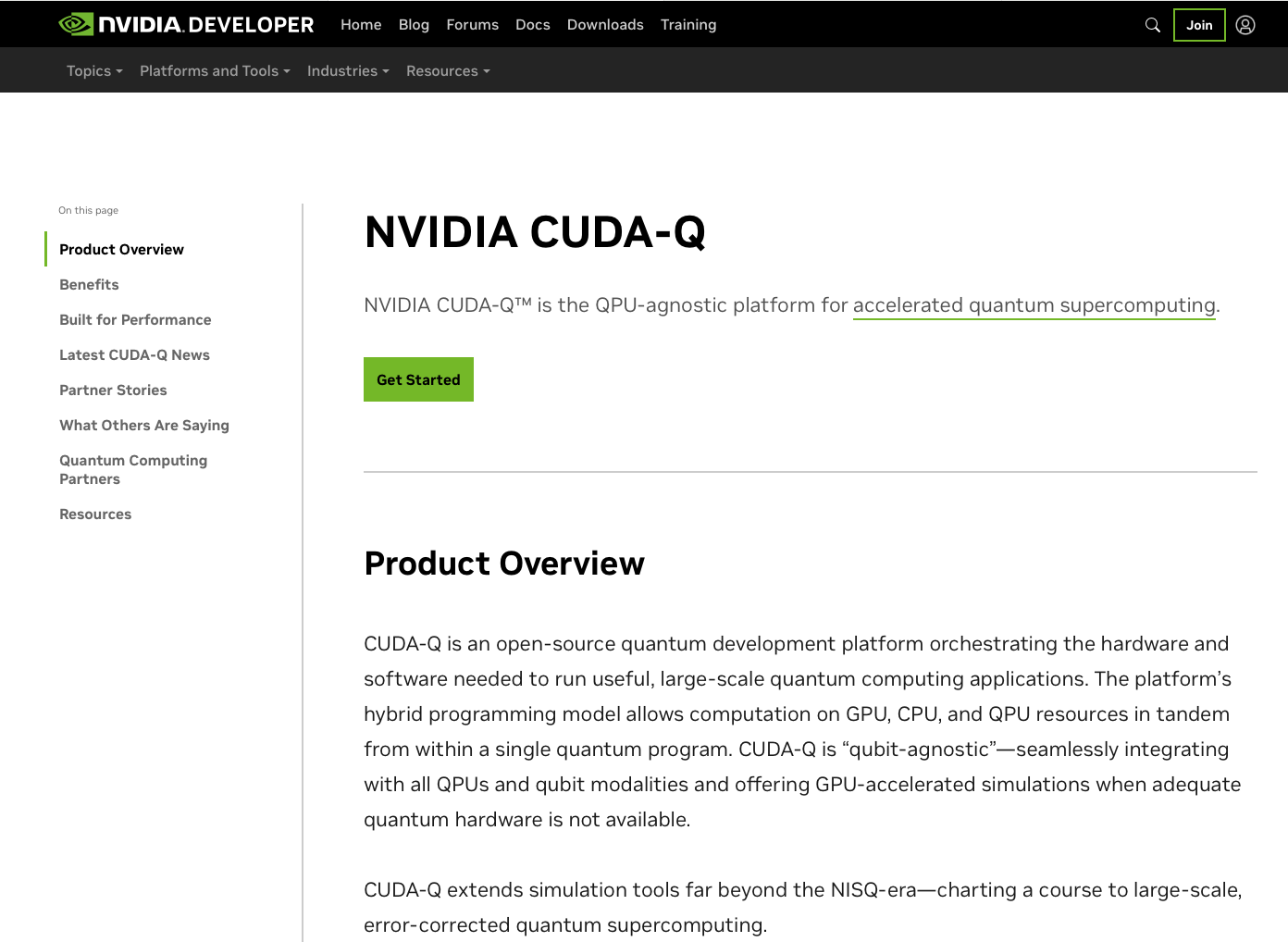
CUDA-Q streamlines hybrid application development and promotes productivity and scalability in quantum computing. It offers a unified programming model designed for a hybrid setting—that is, CPUs, GPUs, and QPUs working together. CUDA-Q contains support for programming in Python and in C++.
Resources:
Application hub: CUDA-Q Applications — NVIDIA CUDA-Q documentation
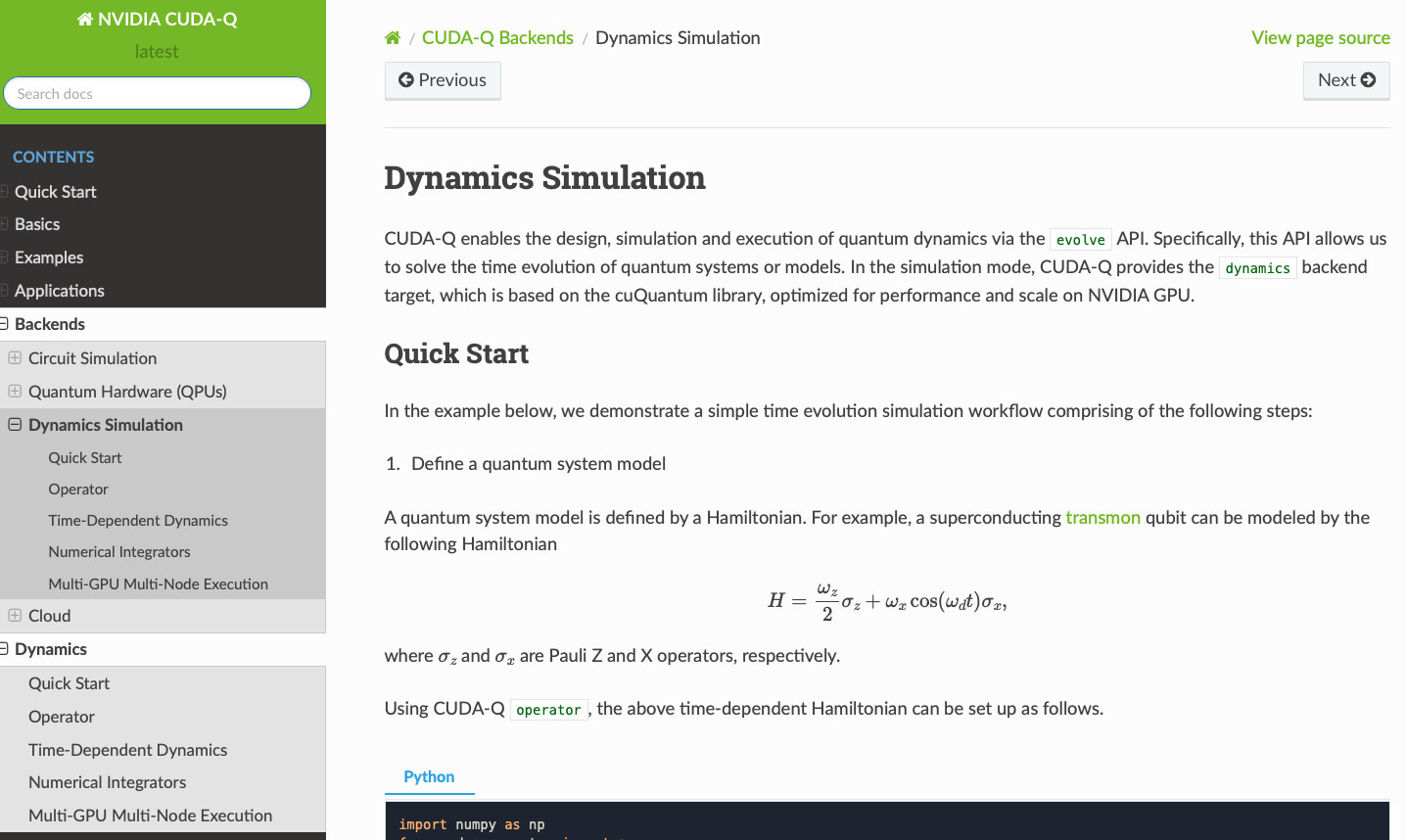
Dynamics simulation: Dynamics Simulation — NVIDIA CUDA-Q documentation
Github repo: NVIDIA/cuda-quantum: C++ and Python support for the CUDA Quantum programming model for heterogeneous quantum-classical workflows
Educational materials: CUDA-Q Academic Github repository
Download Guide
Download Guide: Quick Start — NVIDIA CUDA-Q documentation